
Skip to content
Aura SYNC

Aura SYNC

  • Home
  • Armoury Crate
  • RGB Fusion
  • Mystic Light
  • Guides

ASRock Polychrome Sync

ASRock Polychrome Sync setup for Steel Legend, Taichi and other ASRock boards.

ASRock Polychrome Sync: Hands-On with the B550 Steel Legend RGB Setup
April 19, 2026 by Alex Chen
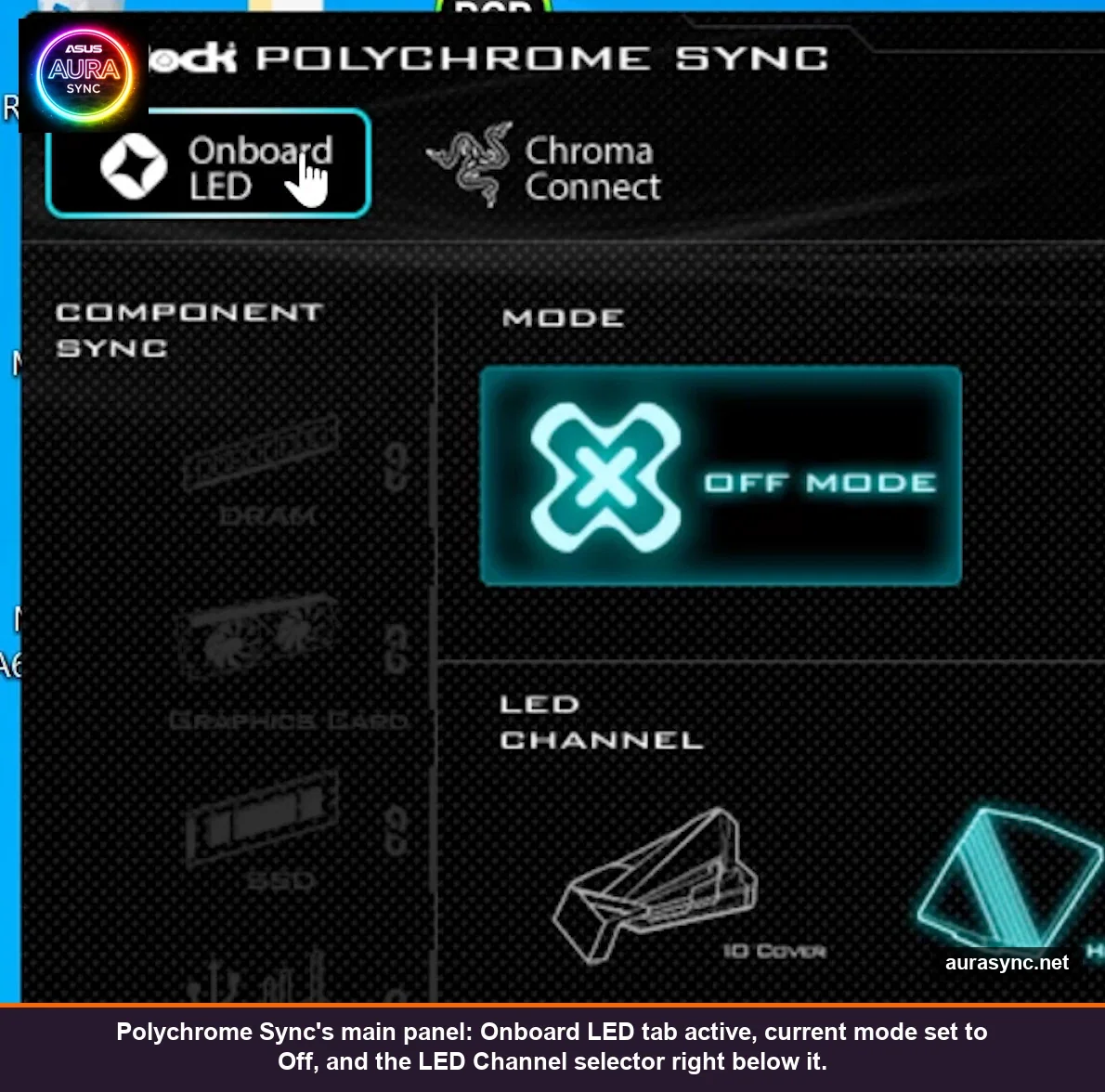
ASRock Polychrome Sync v2.0.0.114 main panel showing Onboard LED tab, Off Mode and the LED Channel selector

Hands-on Polychrome Sync v2.0.0.114 on a B550 Steel Legend: every UI panel, all 15 modes, the LED Channel grid, Razer Chroma Connect/Studio integration, plus JackNet vs SignalRGB.

Categories ASRock Polychrome Sync Tags Setup Guide Leave a comment

Recent Posts

  • Why Your RGB Resets to Rainbow After Every Restart (and the Real Fix)
  • ASRock Polychrome Sync: Hands-On with the B550 Steel Legend RGB Setup
  • Windows 11 Dynamic Lighting: Hands-On With the Built-In RGB Controller
  • How to Use Aura Creator: ASUS RGB Timeline Guide (2026)
  • Armoury Crate Won’t Install or Update: Every Fix That Works (2026)

Disclaimer: This is an independent, fan-made informational website. It is not affiliated with, endorsed by, or officially connected to ASUSTek Computer Inc. in any way. All product names, trademarks, and registered trademarks mentioned on this site are the property of their respective owners. Software download links redirect to official ASUS servers.

© 2026 AuraSync.net — Independent Community Resource

© 2026 Aura SYNC | Independent Community Resource